Introduction
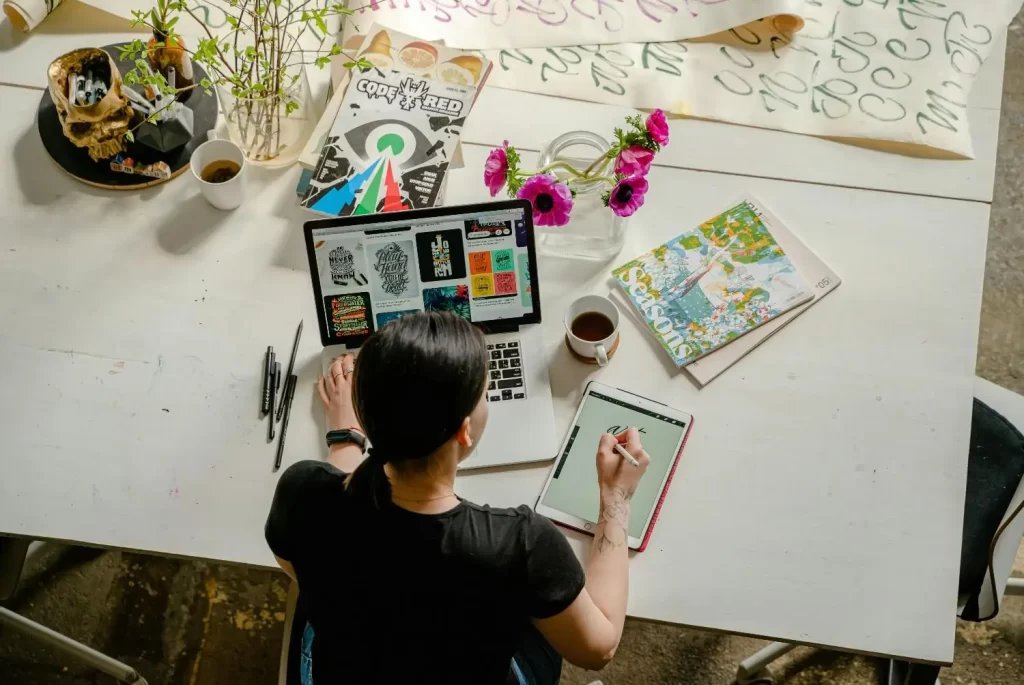
Graphic design plays a vital role in communication, branding, and visual storytelling. A well-designed piece can effectively convey a message, create emotional impact, and capture attention. However, many designers—especially beginners—fall into common traps that can make their work look unprofessional or ineffective.
Common Graphic Design Mistakes To Avoid
- Using Too Many Fonts
This often leads to visual confusion and inconsistency. When fonts clash or overwhelm the layout, the message gets lost.
- Poor Colour Choices
Colour affects mood and readability. Clashing colours, low contrast, or using too many bright shades can ruin a design. Poor colour harmony makes the content difficult to understand.
- Ignoring White Space
Designs packed with content and elements can overwhelm viewers.
- Low-Quality Images
Using blurry, pixelated, or stretched images can instantly lower your design’s credibility.
- Inconsistent Alignment
Randomly placed text or misaligned elements make your design look sloppy.
- Weak Visual Hierarchy
If everything looks equally important, nothing stands out. A weak hierarchy confuses the audience and buries the key message.
- Overuse of Effects
Too many shadows, gradients, or textures can clutter the design and make it feel outdated. Effects should enhance, not distract.
- Lack of Brand Consistency
Using different styles, colours, or fonts across materials can confuse your audience and weaken your brand identity.
- Bad Typography Choices
Choosing hard-to-read fonts or poor spacing can damage readability. Typography affects how users interact with your content.
- Ignoring Mobile and Screen Sizes
Designs that work on desktops may not look good on mobile.
- Neglecting Accessibility
Not considering users with disabilities limits your audience. Poor colour contrast, small text, or confusing layouts can make content inaccessible.
- Skipping the Proofing Process
Grammatical errors or spelling mistakes reflect poorly on your professionalism. They can also distract from the message.
- Not Asking for Feedback
Working in isolation can limit your perspective. You might miss flaws that others can easily spot.
Conclusion

Graphic design is about more than just aesthetics—it’s about clear, effective communication. By avoiding these common mistakes and applying best practices, you can create designs that not only look professional but also connect with your audience. Keep learning, stay open to feedback, and remember that great design is a combination of creativity, strategy, and attention to detail.
FAQ's
Why is using too many fonts a bad idea?
How important is alignment in design?
What’s wrong with low-resolution images?
Can color choices really affect a design that much?
Is white space just wasted space
Check Out Our Video


Computer Education brings a lot of opportunities for Unlimited Earning
Professional Courses – We Provide 6 Professional Courses of 6 Months Duration Each.
Advance Diploma Courses – join ADCA or ADFA Course to Boost up your Career.
Certificate Courses – To Take an initial step in the Computer World.