Essential Computer Knowledge for the Modern Workplace
Introduction
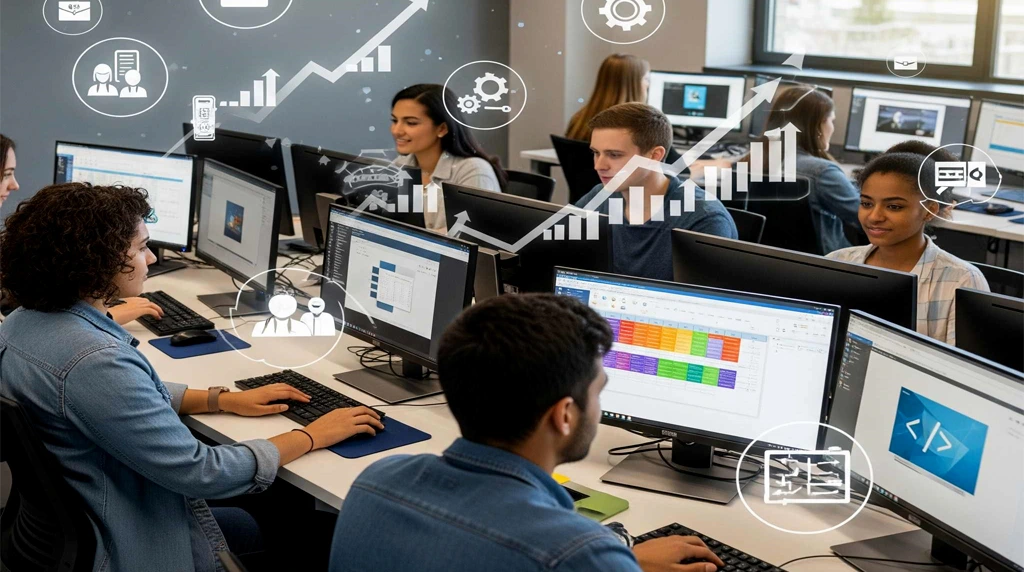
In the increasingly fast-paced and technology-based world we live in, being proficient with computers isn’t something you can choose; it’s a must. All modern offices, from IT to financial services, healthcare, marketing, and education, depend on digital tools, software, and web-based platforms to get work done. Staff with necessary computer skills can work more efficiently and effectively, with minimal disruption when new technologies are introduced. This blog post focuses on the areas of computer knowledge that are the most important for the workplace of today.
Basic Computer Skills

Basic computer literacy is necessary in any workplace. This means being able to use a computer and its operating system (Windows, macOS, Linux) as well as having the knowledge on how file systems work (including files and folders) and how to do some basic things like copy, paste, and print. They should also be able to install software, handle storage, and do some rudimentary troubleshooting. These basic skill sets would allow people to go about their daily lives without being constantly held up or dependent on tech support.
Proficiency in Office Productivity Software

Office Suite software, like Microsoft Office (Word, Excel, PowerPoint) or Google Workspace (Docs, Sheets, Slides), is essential in most offices. Developers need to be able to write documents, spreadsheets, presentations, and reports. Specific skills: In particular, Excel skills including formulas, pivot tables, and data visualisation are very useful to this end, allowing you to analyse and present data quickly. Expertise in these tools lead to higher precision, better productivity and communication among teams.
Email and Communication Tools
Effective communication is important in every workplace. Knowing how to navigate Outlook, Gmail, or company messaging platforms like Slack, Microsoft Teams, and Zoom is also a must. This goes from writing professional emails, cleanly organizing your inbox, managing contacts, scheduling meetings, and taking advantage of collaboration tools like shared calendars and group chats. Proficiency in these tools leads to effective workflows, less chance of miscommunication, and allows for integrated teamwork between remote and office teams.
Internet and Web Research Skills
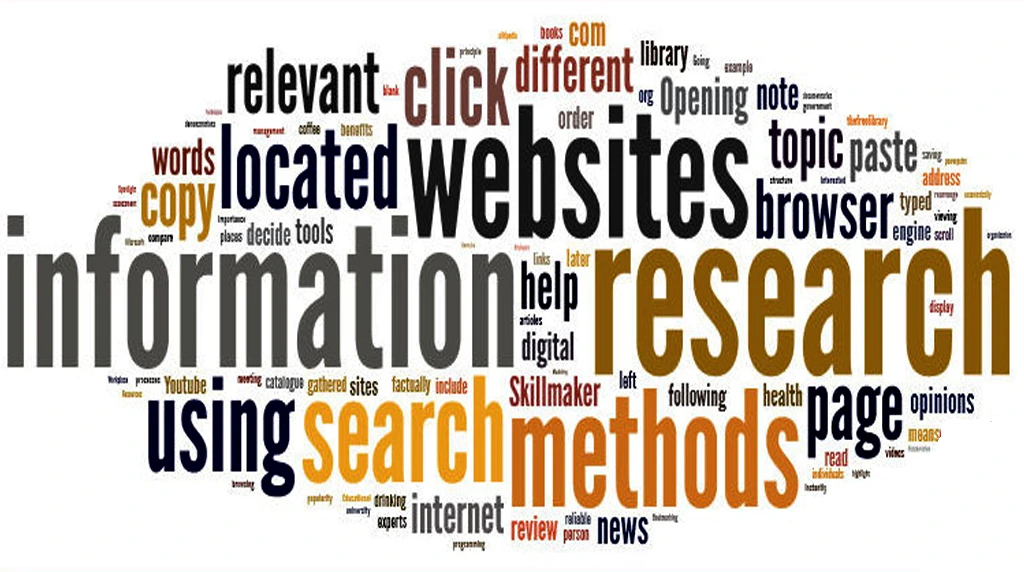
The internet is a strong tool for researching, learning, and working. Employees need to be taught how to use search engines to more effectively search for information, how to critically evaluate sources, and how to effectively manage and synthesize information. Knowledge of internet-based databases, cloud storage services, and electronic libraries can also facilitate research. Also, knowing a few cybersecurity basics while you are online (like how to identify a phishing scam, and not to share personal information) is is very important for keeping the workplace secure.”
Basic Cybersecurity Awareness

In an age of increasingly sophisticated cyberattacks, everyone in your organisation should have a fundamental understanding of cybersecurity. Staff need to be familiar with password management, secure log-in practices, how to identify phishing, how to protect against malware, and how to securely work with sensitive data. While companies typically offer cybersecurity training, people can also take the initiative to inform themselves about best practices to avoid being hacked and to keep up with the professional priorities of their own industry. Being cyber aware protects the individual’s personal information, but also the company’s assets and reputation.
Data Management and Organization
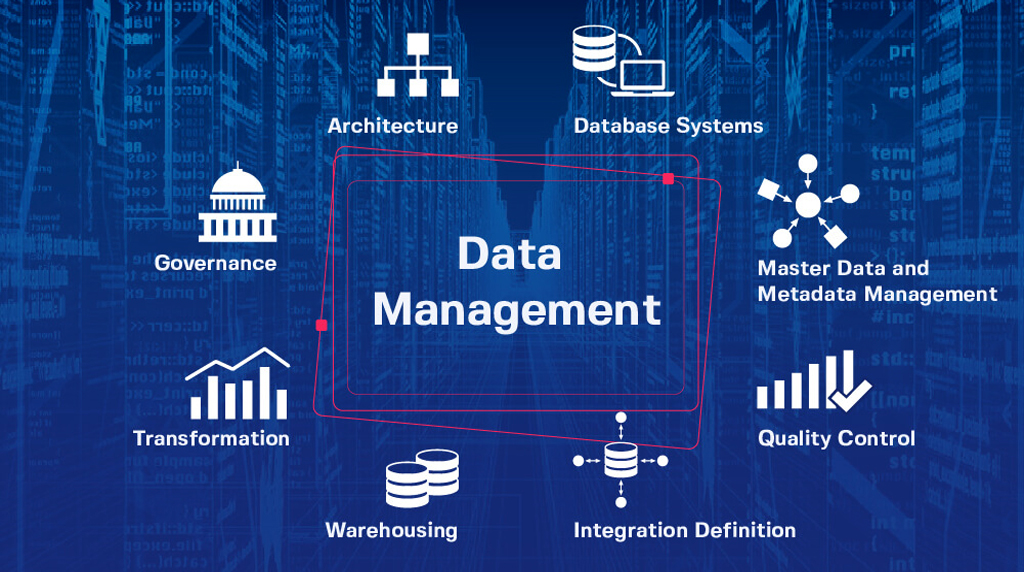
Every day, the modern — and evolving — workplace creates a ton of data. Knowing how to structure, store, and manage data is important. That means, have a folders organization that is logical, work with cloud storage services (i.e. Google Drive, Dropbox, OneDrive) and have backups of your data. A familiarity with basic database concepts, such as tables, queries, and reporting can also help, especially for jobs related to analytics, or administration. Efficient data management is essential for delivering information accurately and rapidly.
Familiarity with Collaboration and Project Management Tools
Collaboration and project management software are now a staple of the workplace, particularly with the increasing prevalence of remote and hybrid work arrangements. Tools such as Trello, Asana, Jira, Monday.com and Microsoft Planner enable teams to track projects, assign tasks and meet deadlines. Knowledge of these platforms allows professionals to collaborate, organize, and effectively manage duties. Digital collaboration skills promote responsibility, transparency and the ability to get projects completed on time.
Adaptability to Emerging Technologies

The world of technology changes day by day, and adaptability is an essential professional attribute. Familiarity with emerging tools like artificial intelligence (AI), machine learning, automation software and cloud computing can also provide workers with a competitive edge. Being current with new apps and trends allows professionals to use technology to improve productivity, to think creatively while problem-solving, and to support their organization’s efforts in digital transformation, she said.
Conclusion
Basic computer knowledge is more than knowledge of hardware and software. It is a mixture of technical know-how, digital communication, awareness of cybersecurity and the ability to adapt to new technological tools and platforms. Those who take the time to develop these skills, on the other hand, tend to be more successful in today’s work environment, make more valuable contributions to their teams and have greater longterm career growth. Whether you are entering the workforce, changing careers, or seeking professional development, learning these computer skills is a move toward efficiency, confidence, and success to achieve what you want in any industry. To be competent to and willing to explore technology is not an option for the modern professional – it is imperative.
1. What computer skills are actually "essential" today?
Beyond email and typing, most workplaces expect three things. First, cloud fluency: using Google Drive or OneDrive, setting share permissions, and tracking versions so files don’t get lost. Second, collaboration tools: running a clean Zoom or Teams call, knowing when Slack beats email, and updating tasks in Notion, Asana, or Monday. Third, basic data skills: sorting, filtering, using SUMIFS or XLOOKUP, and building a pivot table or simple chart. Add cybersecurity habits like 2-factor authentication and you’ll cover 80% of daily office tasks.
2. How do I quickly upskill if I’m not a "tech person"?
Learn by task, not by tool. List the 5 things you do weekly: write docs, manage calendars, fix small data issues, build slide decks, troubleshoot Wi-Fi. Practice those with shortcuts. Use Microsoft Learn or Google Applied Digital Skills for free structure, then YouTube for specific fixes. Spend 20 minutes a day rebuilding a real work file the right way. Managers value speed and accuracy more than certificates.
3. What cybersecurity habits should every employee follow?
Four habits stop most breaches. Use a password manager and turn on 2-factor authentication, preferably with an app not SMS. Verify any urgent payment or link request through a second channel like a phone call. Lock your screen with Win+L or Cmd+Ctrl+Q when you step away. Update software right away. IT can’t prevent you from clicking a bad link, so these habits protect the whole team.
4. Do I need Excel or data tools if I’m not in finance?
Yes. Marketing checks CTR in sheets, HR tracks attrition, operations forecasts stock, support tags tickets. You need to clean data, remove duplicates, run basic formulas, and make a chart that tells a story. If you can turn raw numbers into three clear bullets for your boss, you become indispensable.
5. With AI everywhere, which computer skills still matter?
AI is a fast intern that makes confident mistakes. Your value is judgment. You still need to know what a good report looks like to prompt well and edit output. You still need file structure so AI can find sources. New essentials: writing clear prompts, fact checking results, and knowing what data is too sensitive to paste into public AI tools.