Developing a basic website using HTML and CSS
Introduction
Creating a website may seem like a complex task, but with a basic understanding of HTML and CSS, anyone can build a simple and functional web page. Together, these two technologies form the foundation of front-end web development.
Getting Started with HTML
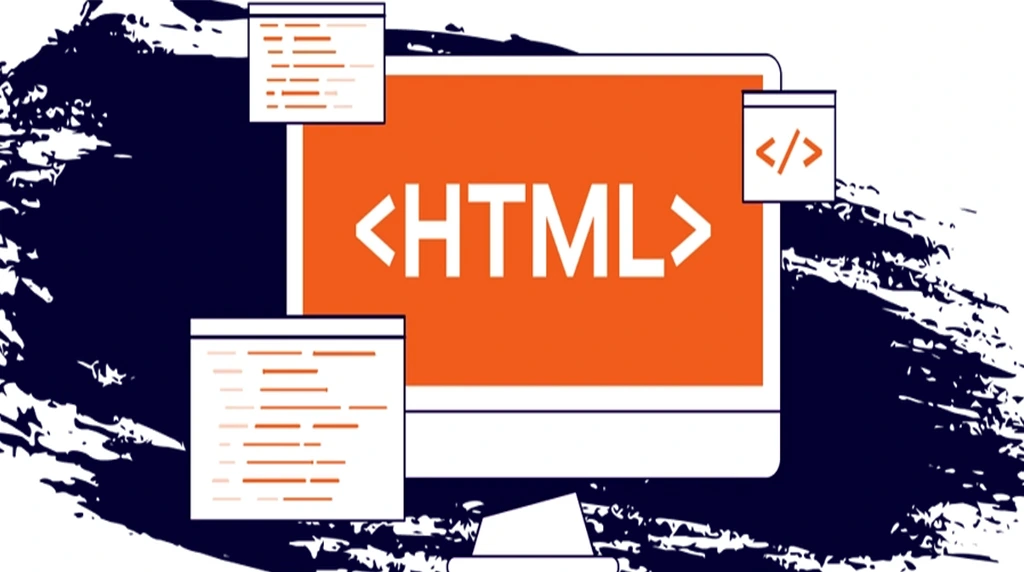
HTML is the core language used to build web pages. It tells the browser what to display and how to organize content. HTML uses elements called “tags” to define different parts of the page. Every HTML document starts with a basic structure that tells the browser how to interpret the content.
A basic HTML file looks like this:
Inside the body, the <h1> tag creates a large heading, and the <p> tag adds a paragraph of text.
Adding Style with CSS
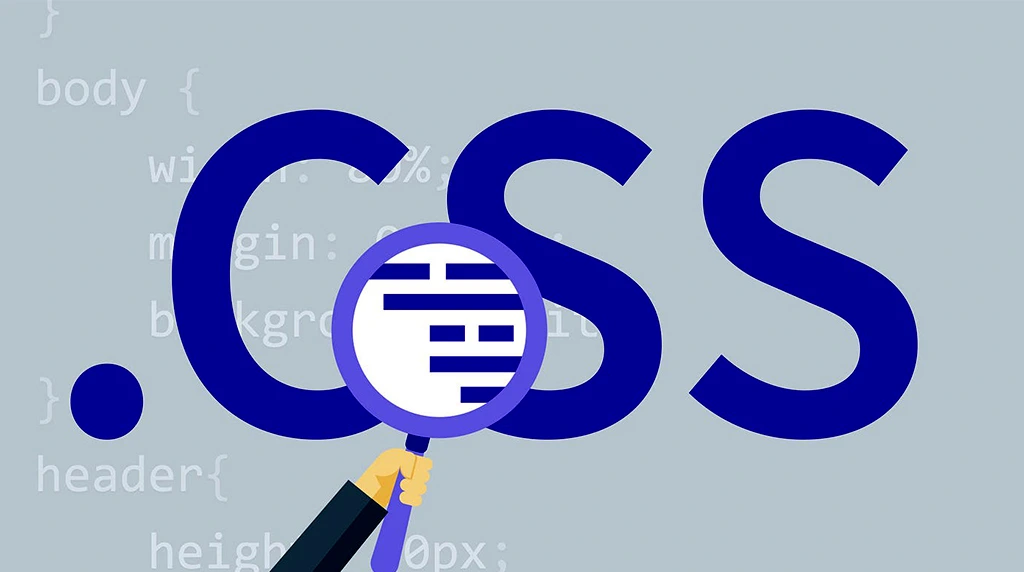
While HTML gives a web page structure, CSS makes it look good. CSS allows you to change colours, fonts, margins, spacing, and layout. Without CSS, websites would look plain and unappealing. There are three ways to apply CSS: inline (directly on HTML elements), internal (within a <style> tag in the HTML file), and external (a separate .css file).
Example:-
This CSS code changes the background colour of the page, sets the font style, changes the colour of the heading, and adjusts the paragraph font size. These simple changes already make the page more visually appealing.
Creating a Simple Page Layout
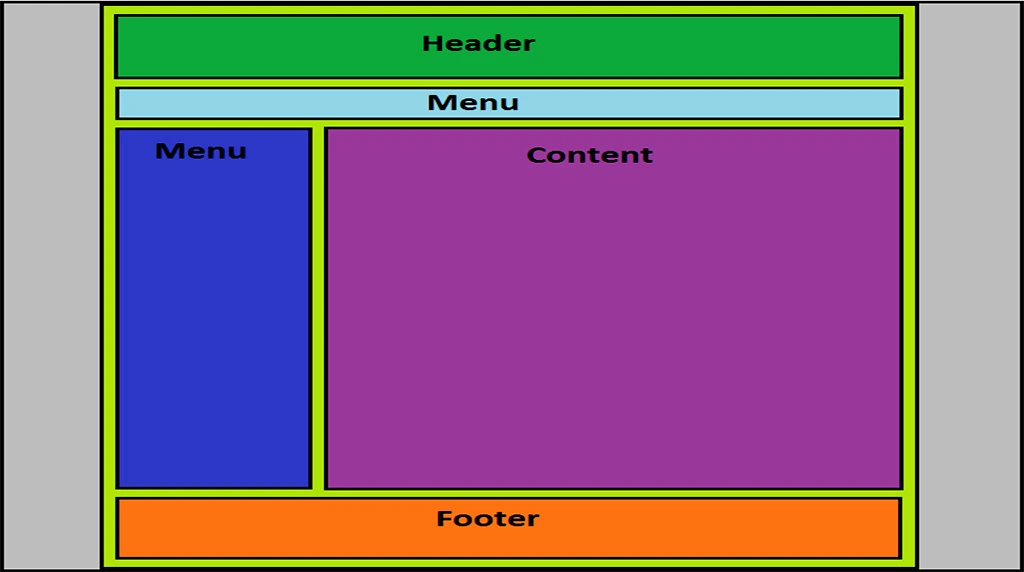
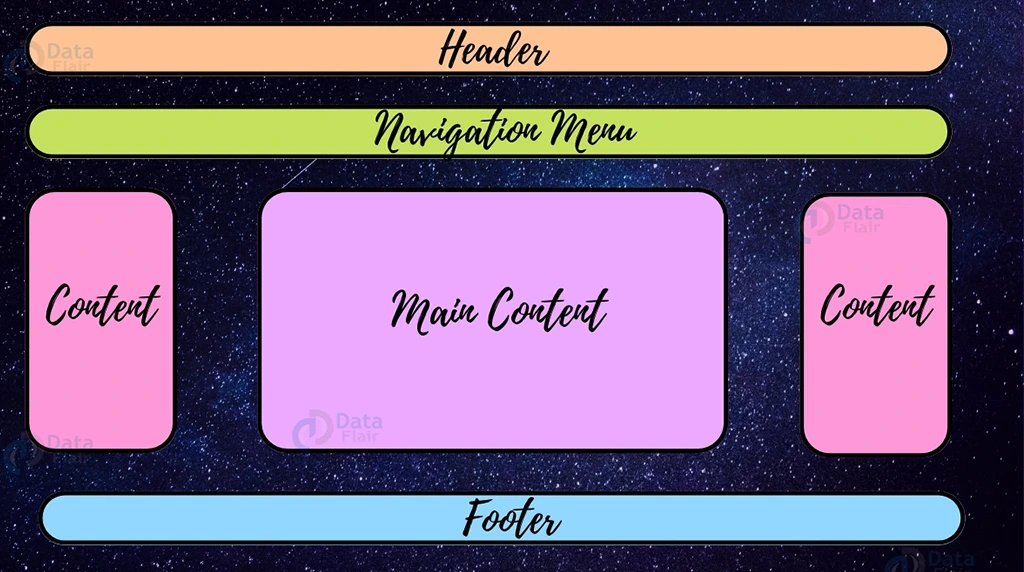
A basic website usually consists of several common elements: a header, navigation bar, main content section, and footer. These sections help organize the content and guide users through the site. Here’s a simple layout using HTML:
This code introduces semantic HTML elements like <header>, <nav>, <main>, and <footer>, which make the page more organized and easier to style with CSS.
Styling the Layout with CSS
Making It Responsive

Modern websites need to look good on both desktop and mobile devices. This CSS rule tells the browser to stack navigation links vertically on smaller screens. It improves usability on mobile devices and creates a better overall experience for users.
Publishing Your Website

After creating and styling your web page, you may want to share it online. You can use free platforms like GitHub Pages or Netlify to publish static HTML/CSS sites without needing to pay for hosting. Simply upload your files, follow their publishing steps, and your website will be live on the internet.
Conclusion
Developing a basic website using HTML and CSS is a great way to learn the fundamentals of web development. HTML provides the structure, while CSS adds visual appeal. With just a text editor and a browser, you can create your own website and customize it to reflect your style. As you become more confident with these tools, you can start exploring advanced topics like JavaScript, responsive frameworks, and content management systems. But it all begins with mastering the basics—and that’s a step anyone can take.
Q: What is HTML and CSS, and why are they important for website development?
HTML (HyperText Markup Language) and CSS (Cascading Style Sheets) are the two core technologies used to build websites. HTML is responsible for creating the structure of a webpage, such as headings, paragraphs, images, buttons, and links. CSS is used to style and design the webpage by adding colors, fonts, spacing, layouts, and animations. Together, HTML and CSS help developers create visually attractive and user-friendly websites. Learning these technologies is the first step toward becoming a web developer because every website on the internet is built using HTML and CSS in some form.
Q: Can beginners create a professional-looking website using only HTML and CSS?
Yes, absolutely. Beginners can create modern and responsive websites using only HTML and CSS. By learning basic tags, layouts, and styling techniques, students can design personal portfolios, landing pages, educational websites, and business pages. CSS allows developers to make websites visually appealing with modern effects like gradients, hover animations, flexbox layouts, and responsive design. With regular practice and creativity, beginners can build professional-looking websites even before learning advanced programming languages like JavaScript.
Q: How much time does it take to learn HTML and CSS?
The learning time depends on practice and consistency. Most beginners can understand the basics of HTML and CSS within a few weeks. If students practice daily and work on small projects, they can start building simple websites very quickly. Mastering advanced layouts, responsive design, and animations may take a few months, but the basics are easy to learn and beginner-friendly. The key to success is hands-on practice and building real projects regularly.
Q: What types of websites can be created using HTML and CSS?
HTML and CSS can be used to create many types of static websites, including portfolios, company websites, educational pages, blogs, product landing pages, and event websites. Developers can also create responsive web pages that work smoothly on mobile phones, tablets, and desktops. Although advanced dynamic websites require additional technologies, HTML and CSS remain the foundation of every web project.
Q: Why should students learn HTML and CSS before other technologies?
HTML and CSS are the foundation of web development. Before learning advanced technologies like JavaScript, React, or backend development, students must understand how websites are structured and designed. Learning HTML and CSS improves creativity, problem-solving skills, and technical understanding, making it easier to learn advanced web technologies in the future.