Affinity Designer vs. Adobe Illustrator: Which is Better for You?
Introduction
When it comes to vector graphic design, two powerful tools dominate the conversation: Affinity Designer and Adobe Illustrator. Both are used by professionals and hobbyists alike to create logos, illustrations, UI elements, and more. But while they share some similarities, they differ in price, features, and workflow. So, which one is better for you?
Understanding the Basics
It’s part of Adobe’s Creative Cloud suite and integrates well with tools like Photoshop, InDesign, and After Effects. Illustrator offers deep functionality, making it suitable for advanced professionals who need robust design options.
It’s known for its speed, intuitive interface, and affordability. Many designers, especially freelancers and beginners, are switching to Affinity as a cost-effective alternative to Adobe.
Pricing and Accessibility
One of the biggest differences is cost. Adobe Illustrator is subscription-based, which means you pay monthly or yearly. The standalone Illustrator plan can be pricey, especially for independent designers or students.
No subscriptions, no recurring fees. You pay once and get lifetime updates for that version. This makes Affinity especially appealing for those on a budget or who dislike subscription models.

User Interface and Learning Curve

Both tools have modern, clean interfaces, but Affinity Designer is often praised for its simplicity and responsiveness. It’s beginner-friendly, while still offering professional-grade tools. Many users find it easier to learn, especially if they’re just starting out in graphic design.
Illustrator, being more feature-rich, has a steeper learning curve. It can feel overwhelming for newcomers, but its deep toolset becomes an advantage once you get comfortable. It’s also more customizable, allowing experienced designers to tweak their workspace to fit their workflow.
Performance and Speed
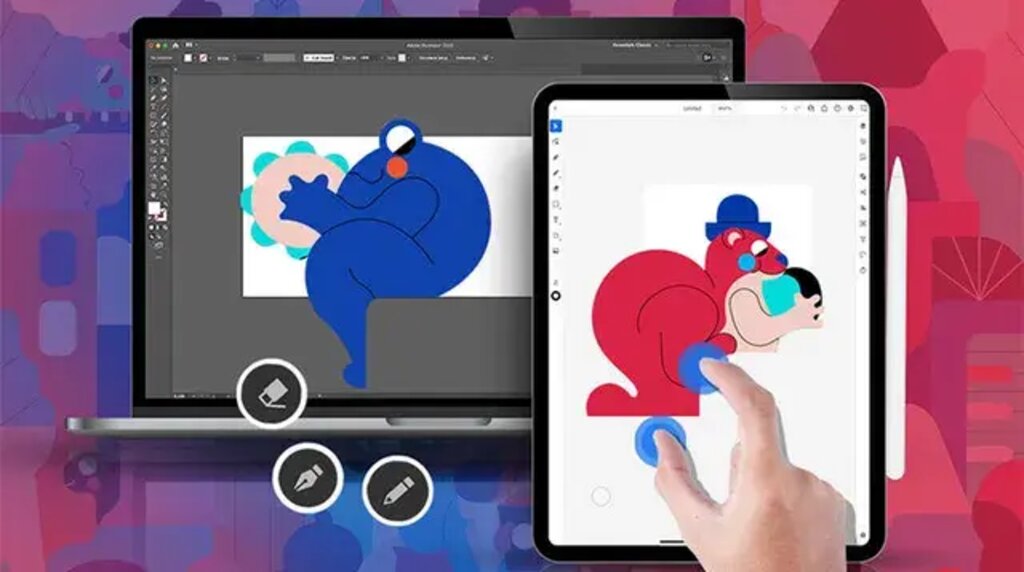
Affinity Designer is built with performance in mind. It runs smoothly on both Mac and Windows, and it’s also available on iPad with nearly full desktop functionality. Designers often report that Affinity handles large files better and operates faster, especially on less powerful hardware.
Illustrator, while stable and powerful, can be heavier and slower depending on your system. On lower-end machines, it may lag with large or complex files. However, it remains a reliable tool for high-end work and integrates seamlessly with other Adobe apps.
Features and Tools
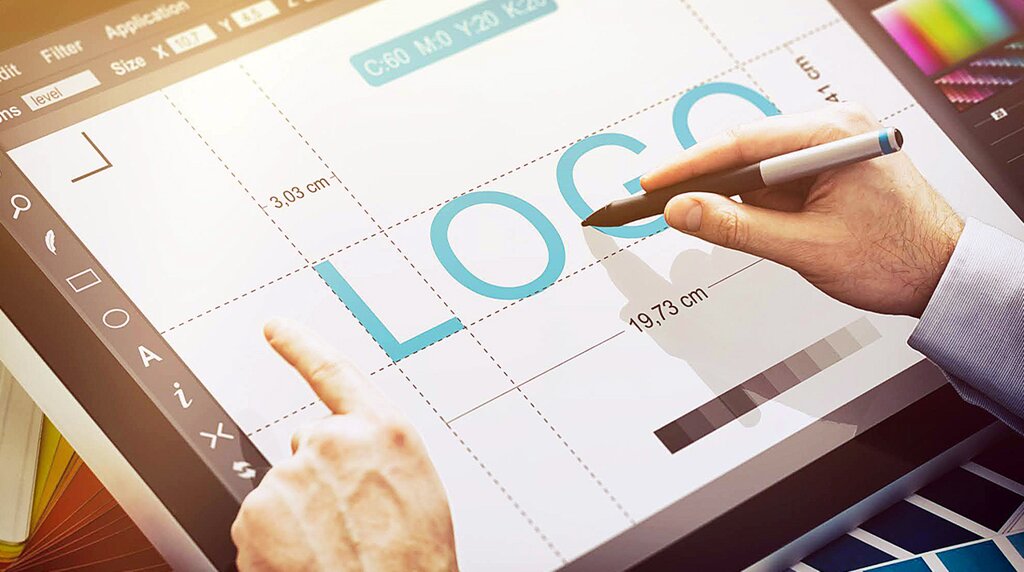
Illustrator is unmatched in terms of advanced tools. From variable fonts and mesh gradients to extensive scripting and plugin support, it offers everything a designer might need for complex vector work. It’s ideal for professionals working in agencies or on detailed commercial projects.
Affinity Designer includes all the core tools needed for vector design—pen tool, shape builder, artboards, typography tools, and more. One standout feature is its Persona system, which lets you switch between vector and raster workspaces in a single app. This flexibility makes it great for projects that combine illustration and digital painting.
However, Affinity still lacks a few Illustrator features like built-in image tracing, graph tools, and certain automation functions. If you rely on very specific Illustrator tools or third-party plugins, this could be a deal-breaker.
File Compatibility and Workflow
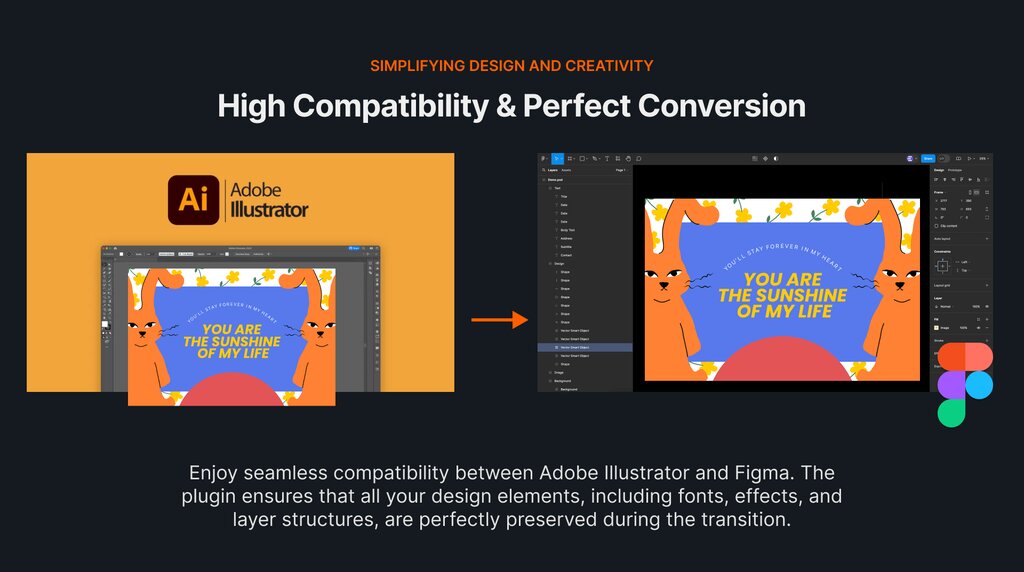
Working with clients, printers, or collaborators often means dealing with these formats. Illustrator’s compatibility and integration across Adobe apps are seamless, making it a natural choice for creative professionals in larger ecosystems.
However, its AI file support may not preserve every layer or effect perfectly. For personal work, Affinity is more than enough—but for client work that involves cross-collaboration with Adobe users, some issues might arise.
Who Should Choose Affinity Designer?
Affinity Designer is ideal for:
- Beginners looking for an affordable and professional tool
- Freelancers and small business owners on a budget
- Designers who don’t need complex features or Adobe ecosystem integration
- Digital illustrators who appreciate combining vector and raster work
Who Should Choose Adobe Illustrator?
Adobe Illustrator is best for:
- Professionals who work in teams or corporate environments
- Designers needing high-end, niche features or specific plugins
- Anyone working within the Adobe Creative Cloud ecosystem
- Print designers or brand specialists needing industry-standard formats
Conclusion
If budget and simplicity are top priorities, Affinity Designer is a smart, capable alternative. If you need the full depth of features and tight integration with other design software, Illustrator still leads the way. The best choice depends on where you are in your design journey—and where you want to go.
1. Is Affinity Designer really free now?
Yes, mostly. In late 2025/early 2026, Affinity (under Canva) moved to a “Free Forever” model for its core professional tools. You can download and use the full vector design suite without a subscription. However, advanced AI-powered features (like generative fill or high-end upscaling) are typically locked behind a Canva Pro or Affinity “Plus” tier.
2. Can I open Adobe Illustrator (.ai) files in Affinity?
Yes, with a caveat. Affinity Designer can open and edit .ai files, provided they were saved with “PDF Compatibility” checked in Illustrator. It does a great job with layers and paths, but complex proprietary features like Illustrator’s “Mesh Gradients” or “Live Effects” may not translate perfectly.
3. Which one is better for beginners?
Affinity Designer. Its interface is built on modern code, making it significantly faster and less “cluttered” than Illustrator. Features like the Persona system (allowing you to switch from vector to raster editing in one click) make the workflow much easier to grasp for those new to design.
4. Why would I still pay for Adobe Illustrator?
Illustrator remains the industry standard. If you are looking to work at a major agency or in a high-end production house, they will expect you to use the Adobe ecosystem. Additionally, Adobe’s Firefly AI and advanced typography tools (like Variable Fonts and Envelope Distort) are still more mature than Affinity’s current offerings.
Does Affinity Designer have an Image Trace tool yet?
As of the latest 2026 updates, Affinity has integrated more automated tools through its partnership with Canva, but many professionals still find Adobe’s Image Trace to be more precise for converting complex photos into clean vector paths.