The Role of User Interface (UI) Design in Applications
Introduction
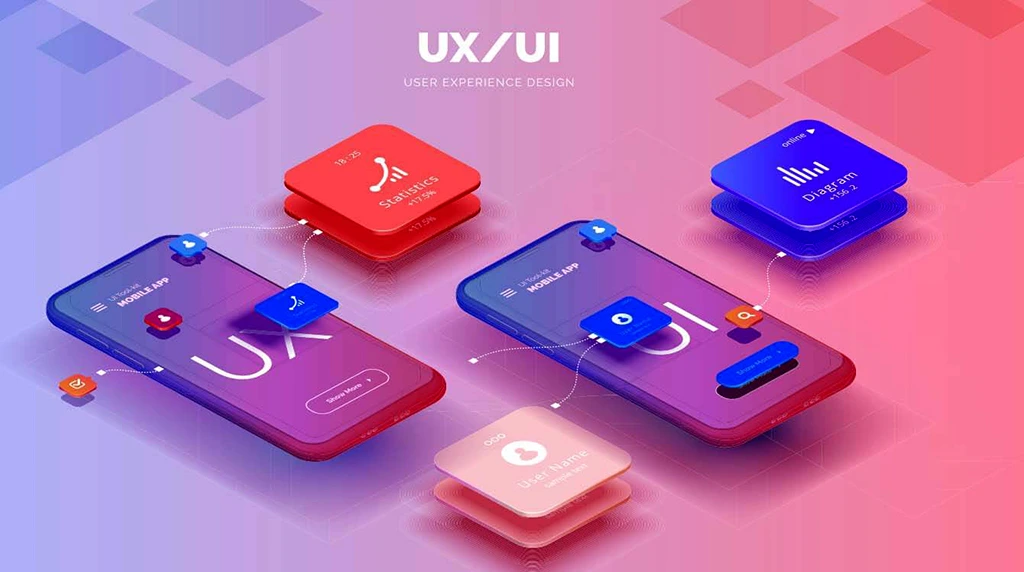
In today’s digital world, applications are everywhere—on our phones, computers, tablets, and even watches. Whether it’s a mobile banking app, an online store, or a healthcare platform, one element plays a key role in shaping the user’s experience: the User Interface (UI) design. UI design is not just about how an app looks; it’s about how users interact with it.
First Impressions Matter

A clean, attractive interface immediately sets the tone for the overall experience.
If an app looks outdated or cluttered, users may judge it as unreliable or difficult to use—even before they start interacting with it. In contrast, a modern, sleek UI encourages users to explore the app further.
Enhancing Usability

Reducing Cognitive Load
Cognitive load refers to the mental effort required to use an app. A well-designed UI minimizes this load by simplifying interactions and reducing unnecessary steps.
Simple layouts, clear labels, and helpful feedback (like loading spinners or confirmation messages) make the app feel lighter and more efficient. When users don’t have to think too hard about how to do something, they’re more likely to enjoy the experience.
Improving Accessibility

Inclusive UI design ensures that apps can be used by people with various abilities.
Design elements like readable fonts, high-contrast colour schemes, voice navigation, and screen reader support help make apps accessible to a wider audience. By prioritizing accessibility, developers not only meet legal standards but also expand their user base.

Guiding User Behaviour

Through the use of layout, colour, animation, and spacing, designers can direct attention where it’s needed most.
For instance, a brightly coloured “Sign Up” button or a highlighted error message naturally draws the eye. Thoughtful design choices can help increase conversions, reduce user errors, and improve overall user engagement.
Supporting Brand Identity

The UI of an application is a direct reflection of the brand behind it. Fonts, colours, and style elements should align with the company’s identity and values.
Consistent branding through UI design builds familiarity and trust. Whether a user is on a website or a mobile app, the visual continuity reinforces the brand’s presence and creates a seamless user journey.
Enabling Efficiency and Speed

Users appreciate fast and responsive apps. While performance is partly a technical issue, UI design also affects how fast users can accomplish tasks.
For example, predictive text, auto fill options, and swipe gestures can significantly speed up user input. Streamlined workflows and minimal steps for completing key tasks make an app more efficient and enjoyable to use.
Increasing User Retention

An attractive and intuitive UI encourages users to return.
Retention is especially important in competitive markets where many similar apps are available.
Encouraging Feedback and Learning

On boarding tutorials, tooltips, and help icons help users understand the app better without external guidance.
In addition, features like progress bars, badges, and user stats provide feedback and encourage continued interaction. This helps users feel more connected and in control of their experience.
Continuous Improvement

UI design is not a one-time task.
Gathering user feedback and analysing usage data allows designers to refine the interface over time. Continuous testing and iteration ensure that the app remains relevant, usable, and competitive in the long run.
Conclusion
The user interface is more than just a pretty layer on top of an app—it’s the bridge between technology and the people using it. A thoughtful, well-crafted UI can drive usability, satisfaction, and success. From the first tap to long-term use, UI design shapes every interaction. As applications become more advanced, the role of UI design will only grow in importance, making it a central focus for developers, designers, and businesses alike.
1. What is User Interface (UI) Design in applications?
User Interface (UI) Design refers to the visual and interactive elements of an application that users engage with directly. This includes buttons, menus, icons, typography, layouts, colors, and animations. The main goal of UI design is to create an interface that is attractive, easy to use, and user-friendly. A well-designed UI helps users navigate an application smoothly without confusion. In modern applications, UI design plays a major role in improving user satisfaction and increasing engagement. Whether it is a mobile app, website, or desktop software, a clean and professional interface creates a positive first impression and builds trust among users.
2. Why is UI Design important in modern applications?
UI Design is important because it directly impacts the user experience and overall success of an application. Even if an application has powerful features, users may stop using it if the interface is confusing or difficult to understand. A good UI design improves usability, accessibility, and user interaction. It helps users complete tasks faster and with less effort. Businesses also benefit from professional UI design because attractive applications increase customer retention and brand value. In today’s competitive digital world, companies invest heavily in UI design to make their apps visually appealing and more engaging for users.
3. How does UI Design improve user experience (UX)?
UI Design improves User Experience (UX) by making applications intuitive, responsive, and visually comfortable. A properly designed interface guides users naturally from one action to another. Features such as easy navigation, readable fonts, proper color contrast, and clear buttons reduce user frustration. Interactive elements like animations and feedback messages also make the application feel more responsive and modern. When users can quickly understand how an app works, they are more likely to enjoy using it. This creates a smooth and satisfying experience, which ultimately increases user loyalty and engagement.
4. What are the key elements of an effective UI Design?
An effective UI Design includes simplicity, consistency, responsiveness, accessibility, and visual hierarchy. Simplicity ensures that the interface is clean and uncluttered. Consistency keeps similar elements uniform throughout the application. Responsiveness allows the design to work smoothly on different devices such as mobiles, tablets, and desktops. Accessibility ensures that people with disabilities can also use the application effectively. Visual hierarchy helps users focus on important information first through proper use of colors, size, and spacing. Together, these elements create a professional and user-friendly application interface.
5. What career opportunities are available in UI Design?
UI Design offers many exciting career opportunities in the technology and creative industries. Professionals can work as UI Designers, UX Designers, Product Designers, Web Designers, Mobile App Designers, or Interaction Designers. Companies in IT, e-commerce, gaming, education, healthcare, and digital marketing all require skilled UI designers. With the growing demand for mobile applications and websites, UI design has become one of the most valuable digital skills. Learning tools such as Figma, Adobe XD, and Photoshop can help students build strong careers in this field with excellent salary potential and global opportunities.